


Falvoro
Curved 3D HD Phone Screen Amplifier
Curved 3D HD Phone Screen Amplifier
A Bigger, Clearer, Smarter Way to Watch
12” Curved HD lens for crisp, amplified viewing.
Reduces eye strain with natural curved projection.
Works with every iPhone & Android — no setup needed.
Perfect for movies, sports, gaming and video calls.
 Shipping Free
 Secure Payment
 Satisfied Customers
Couldn't load pickup availability
All orders are shipped within 24–48 hours. Delivery time is typically 5–10 business days depending on your location. Tracking number is provided for every order.
We use encrypted and certified payment processors. Accepting Visa, Mastercard, PayPal, Apple Pay and more.
Your purchase is protected by a 30-day satisfaction guarantee. If you’re not happy, you can request a refund or replacement.
If you have any questions about compatibility, usage or orders, feel free to contact our support — we respond within 24 hours.


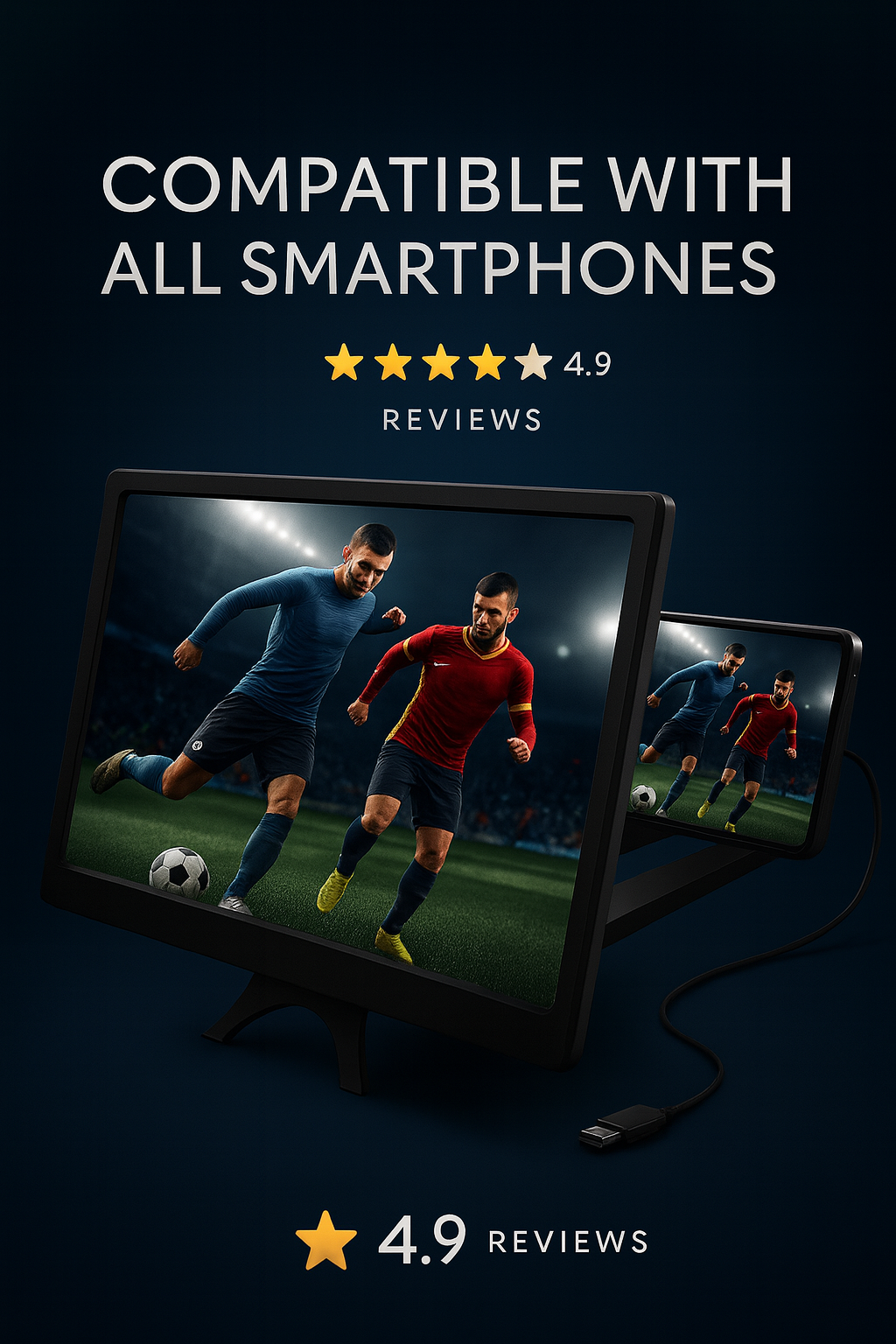

See Beyond
Every detail from the precision-curved optical screen to the high durability materials has been engineered to enhance clarity, depth, and overall immersion.
This screen magnifier doesn’t just enlarge your content… it elevates the way you enjoy it.
How to Use Your 12" Curved Screen Magnifier
Follow these simple steps to turn your phone into a bigger, more immersive screen in seconds.
Place the Stand
Set the magnifier on a stable, flat surface such as a table or desk. Make sure the base is fully unfolded and secure.
Insert Your Phone
Place your smartphone behind the curved screen, with the display facing forward. Adjust the distance until the image looks sharp.
Press Play
Open your movie, series, match or game, rotate the phone to landscape mode and increase the brightness for the best effect.
Enjoy the Big Screen
Sit at a comfortable distance (around 1.5–2 m) and slightly adjust the angle of the screen to get a clear and immersive view.
“Lo uso para ver mis rutinas, vídeos y directos. La pantalla 3D hace TODO más cómodo.”
 @sofi.fit.lifestyle
“Probé el ampliador 3D para YouTube y gaming móvil. Es un upgrade visual brutal.”
@marco.tech.reviews
“En viajes es perfecto. Veo series sin dejarme la vista. Lo llevo siempre.”
@ana.travel.vibes
-

Free Shipping
-

Secure Payment
-

Satisfied Customers


